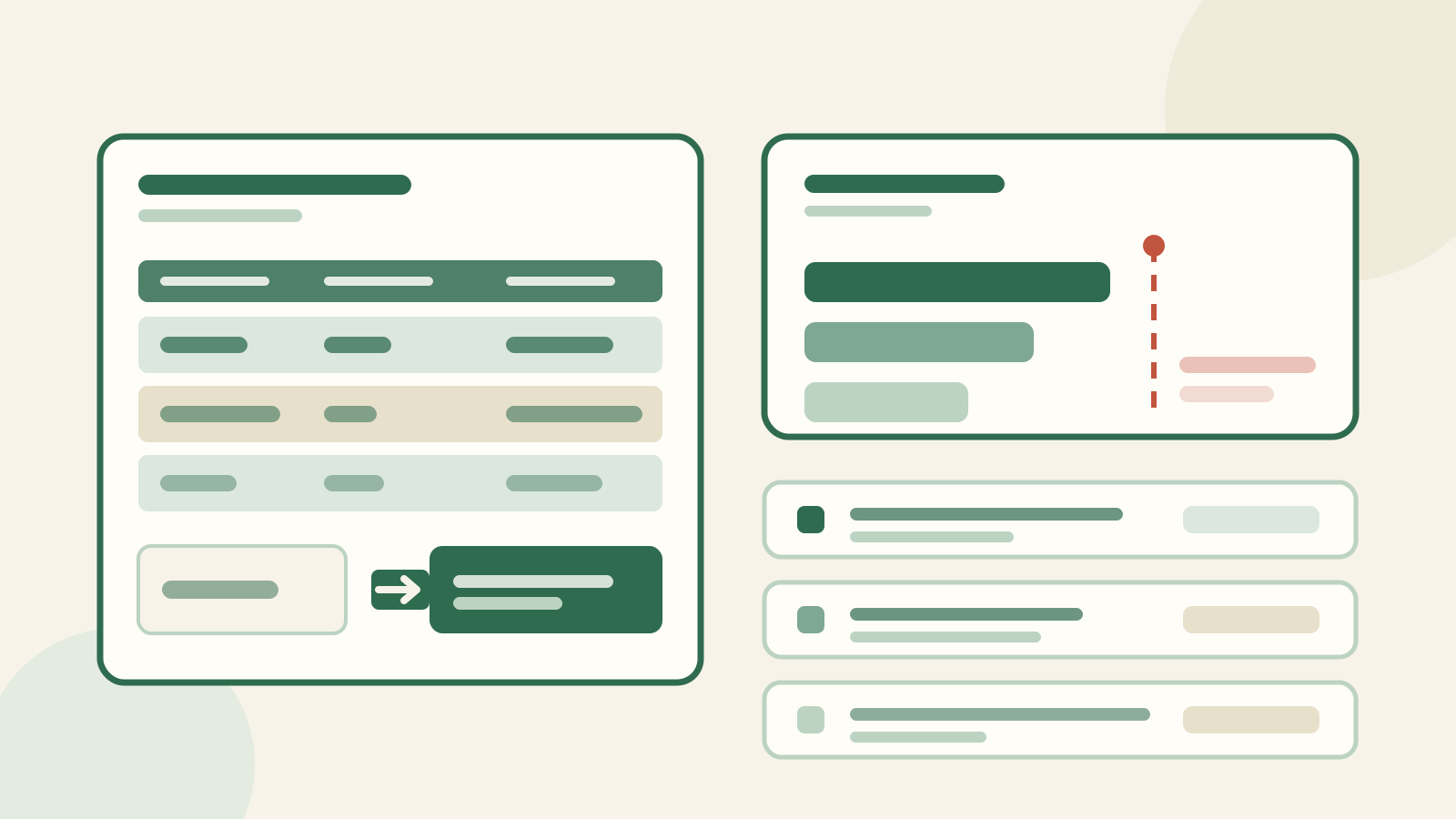
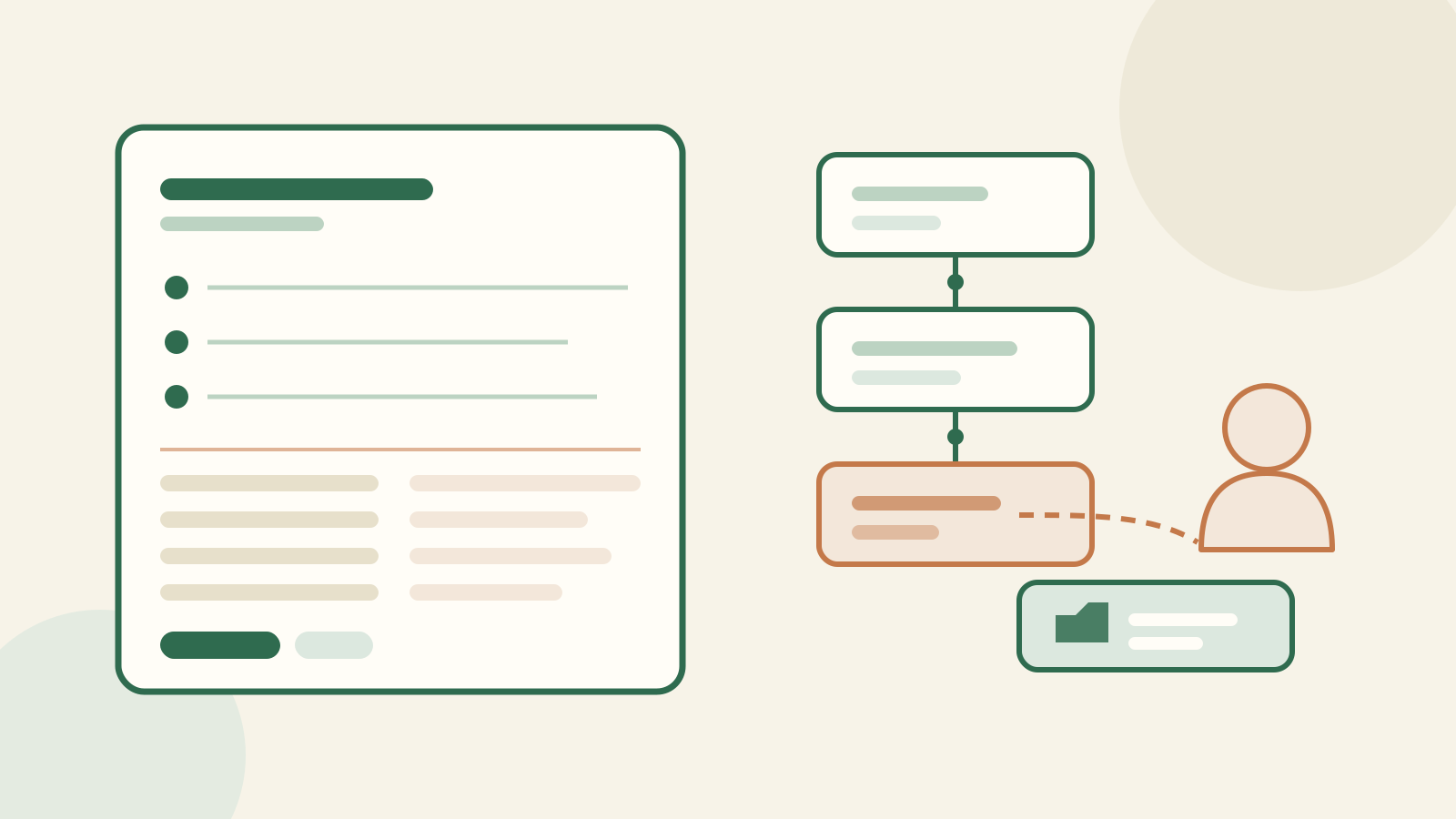
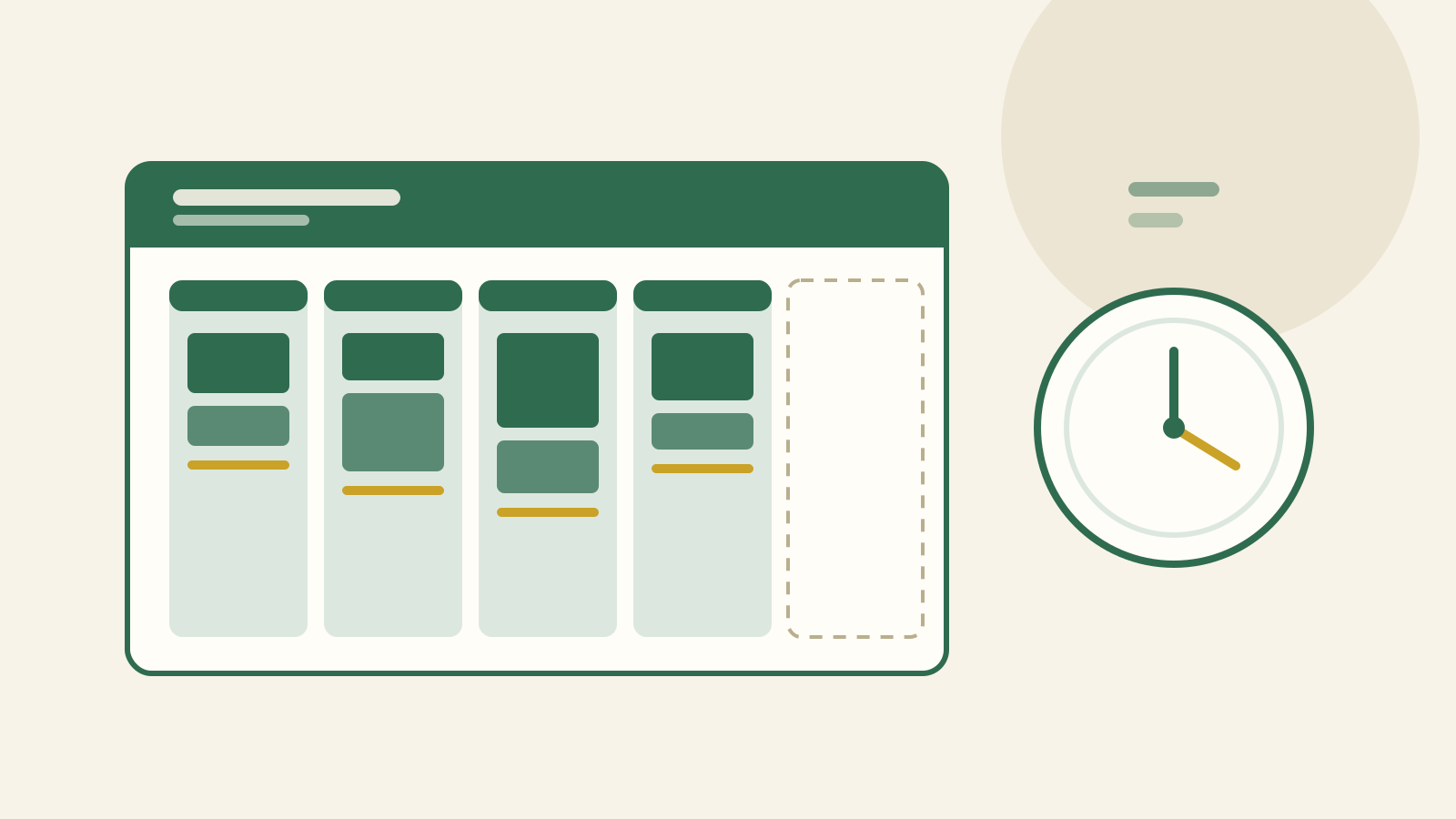
Most workflows are designed on a quiet Tuesday. Someone watches a test run move forty records, sees the green check, and calls the thing finished. Then the last working day of the month arrives, the same workflow receives nine hundred records, and the plan that looked fine at low volume turns into a queue, a timeout, and a support thread.
The mistake is not technical. It is planning against the average day when the workflow only has to be reliable on the worst day. Volume spikes are rarely a surprise: month end, quarter close, a campaign launch, a payroll cycle, a seasonal intake form. They sit on the calendar months in advance. That gives you time to decide how the workflow behaves when the denominator changes, which is a planning exercise before it is an engineering one.
Start with the spike date, not the workflow diagram.
Put the peak on a calendar first
Write down the three or four days per year when input volume is highest, and the multiple involved. If a normal Tuesday brings 40 records and month end brings 900, you are planning for a factor of roughly twenty-two, not for a slightly busier Tuesday. That number changes every other decision.
Then look at what the workflow does with each record. A single pass that writes one row and sends one message is cheap. A pass that paginates an API, looks up an owner, writes two rows, and posts a summary is expensive, and the cost multiplies by the item count inside every loop. Microsoft's guidance on Power Automate limits is explicit about this: a simple trigger-and-action flow consumes two requests per run, a failed action still counts, and an action inside an Apply to each step generates one request per item. The same article notes that the daily allowance is counted across all flows under a license, so a busy workflow can starve a small one.
That is the arithmetic worth doing before the spike. Multiply items by actions per item, add the retries you expect, and compare the total to the license ceiling. If the answer is uncomfortable, you have three levers: fewer actions, less work per run, or more capacity. Everything below is one of those three.
Count cost per run, not records per hour
Speed is the wrong metric at peak. A workflow that finishes 900 records in eleven minutes and then gets throttled is worse than one that takes an hour and lands everything. Throttling is not a gentle slowdown either: Microsoft documents that a flow which keeps hitting limits for fourteen days is switched off automatically, and someone has to notice and turn it back on.
So the planning unit is the request budget for the spike day. Take the workflow's action count, multiply by expected items, and add a margin for retries and pagination, both of which count as actions. If the peak day lands near the ceiling, the plan should say in advance which runs get deferred, because deciding that at 6 p.m. on close day never goes well.
This is also where a separate license helps. A Process license attached to the flow carries 250,000 actions per 24 hours, can be stacked up to ten times on a single flow, and is tied to the flow rather than to whoever owns it. The distinction matters when the person who built the workflow changes teams: the flow's throughput should not depend on whose mailbox the license sits in.
Decide what can wait until tomorrow
The most useful line in any peak plan reads like "the nightly reconciliation can slip one day; the invoice export cannot." Write that sentence before the spike, with names attached to each side. Work that can tolerate a delay should be scheduled after the peak or dropped from the peak window entirely, and that decision should be visible in the schedule, not buried in a conditional branch.
There is a second benefit. When you know which outputs are allowed to be late, the failure conversation changes from "the workflow broke" to "the low-priority branch ran at two in the morning instead of midnight." Teams handle the second version far better than the first.
Split the batch instead of speeding it up
If a run has to process 900 items, three runs of 300 usually behave better than one run of 900. Each run is smaller, restarts are cheaper, and a failure loses a third of the work rather than all of it. Splitting also keeps you under per-run ceilings: Power Automate caps a flow definition at 500 actions, and heavy loops press against that limit quickly.
The scheduling constraint is the minimum recurrence interval of 60 seconds, which rules out a tight loop of tiny batches. A practical pattern is a short stagger: batch one at the top of the hour, batch two twenty minutes later, batch three at the half hour. Records flow in over the day instead of all at once, and the platform sees a steady load rather than a wall.
Deferring is not the same as dropping. Each split run should carry its own input query and its own completion marker, so a rerun picks up only what it owns. That single design choice turns a peak-day incident into a retry.
Cap concurrency and let the queue do its job
Self-hosted n8n makes the trade-off visible. In regular mode it does not limit how many production executions run at once, and the concurrency control docs are blunt about the consequence: too many concurrent executions thrash the event loop and the instance becomes unresponsive. Setting a production concurrency limit puts the excess into a FIFO queue, which is a much better failure mode than a slow instance that stops answering its own health checks.
Two details from that documentation deserve a place in the plan. First, concurrency control applies to production executions only, so manual runs and sub-workflow calls are not counted, which means a hand-triggered catch-up during the spike adds load outside the ceiling. Second, queued executions cannot be retried: cancelling or deleting one removes it from the queue, and on restart the instance resumes only up to the limit and re-enqueues the remainder. Anyone who clears a queue during an incident needs to know that.
The same principle holds on hosted platforms even when the knob is hidden. If the trigger fires per record, peak volume is concurrency whether you planned it or not. Changing the trigger to a schedule that pulls a batch gives you a place to stand.
Rehearse the peak before it arrives
You cannot test a spike by waiting for it. Set a rehearsal date about two weeks before the real one, load the workflow with peak-shaped input, either a copied data set from the last cycle or generated rows that match its size, and watch the run in the same way an operator would on the day. Record three numbers: total run time, peak concurrency, and the count of retries. If any of them surprises you, the rehearsal worked.
Then fix the same three things in the plan: the deferral list, the batch split, and the ceiling. Keep the numbers with the workflow so the next person can compare the rehearsal to the live day and see whether the model held.
Write the plan where someone will find it
A peak plan that lives in a chat thread is a rumor. Put it in the repository next to the workflow, with the spike dates in one table, the budget arithmetic in a short paragraph, and a named owner for each deferral decision. Two or three paragraphs are enough. The test is whether a teammate who has never run the workflow can read the page on close day and know which batch goes first and who to call when one stalls.
None of this requires predicting the future. It requires admitting that the worst day is the only day the workflow is judged on, and that the calendar tells you when it is coming. Plan the peak, let the average day take care of itself.